Unitek S1201A PCIe/NVMe M.2 SSD 10Gbps Enclosure
Suitable SSD:
This M.2 SSD Enclosure only for M.2 NVMe PCIe M-Key & B+M Key SSD. Applicable to sizes 2230/2242/2260/2280 solid-state drives. Does not support M.2 SATA-based SSDs, M.2 PCIe AHCI SSDs, M.2 PCIe devices such as WiFi and capture cards, mSATA SSDs, and non-M.2 form factor SSDs.
High Speed:
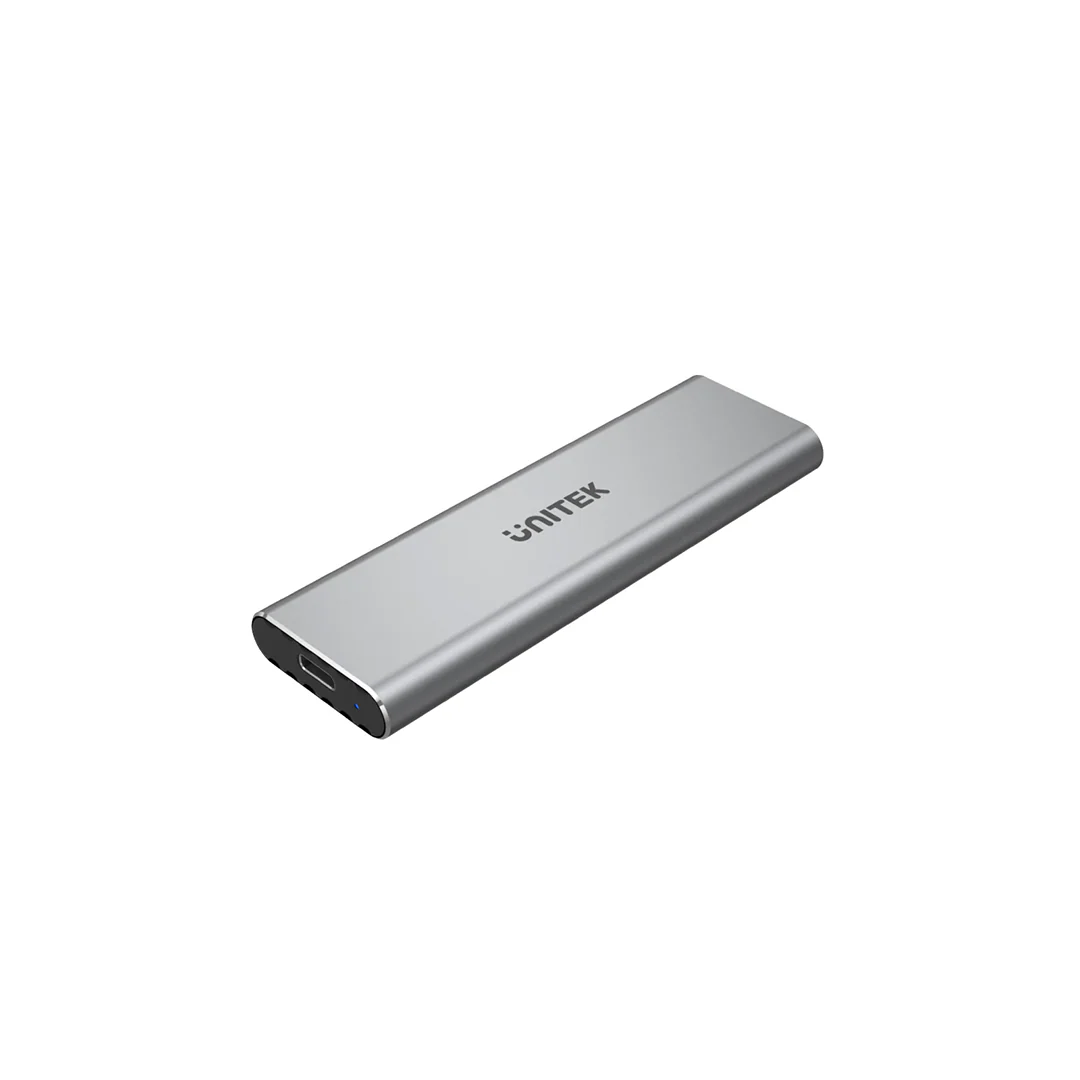
With USB 3.2 Gen 2 interface, supports up to 10Gbps data transfer speed. It's a reversible plug connector, easy to plug in and out. Backward compatible with USB 3.0 and USB 2.0.
How to Install M.2 SSD:
1. Remove the screw.
2. Remove the cover.
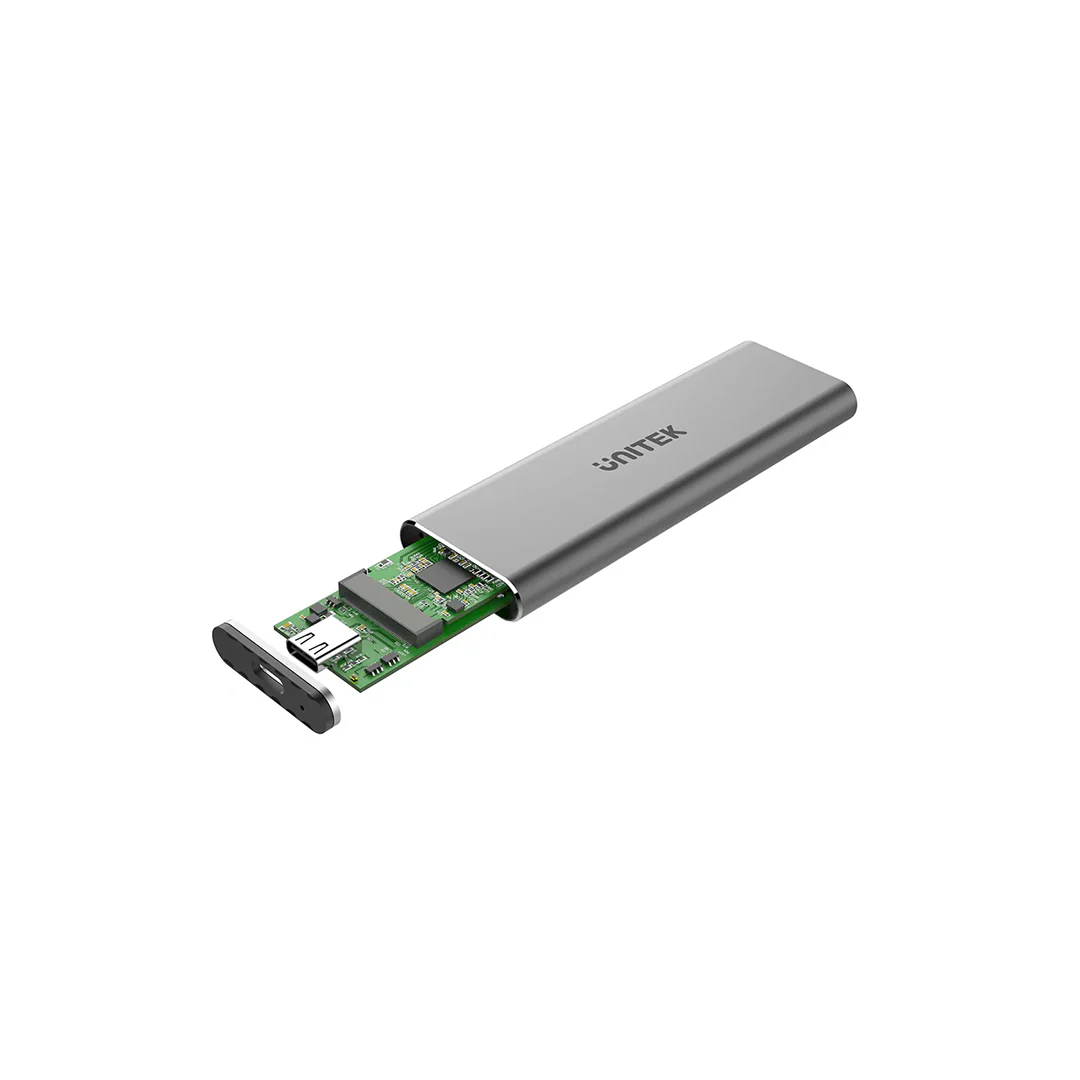
3. Remove cover and pull out the PCBA.
4. Insert M.2 SSD to PCIe/NVMe slot.
5. Press M.2 SSD down and match the screw slot.
6. Lock M.2 SSD with the screw.
Description
Suitable SSD:
This M.2 SSD Enclosure only for M.2 NVMe PCIe M-Key & B+M Key SSD. Applicable to sizes 2230/2242/2260/2280 solid-state drives. Does not support M.2 SATA-based SSDs, M.2 PCIe AHCI SSDs, M.2 PCIe devices such as WiFi and capture cards, mSATA SSDs, and non-M.2 form factor SSDs.
High Speed:
With USB 3.2 Gen 2 interface, supports up to 10Gbps data transfer speed. It's a reversible plug connector, easy to plug in and out. Backward compatible with USB 3.0 and USB 2.0.
How to Install M.2 SSD:
1. Remove the screw.
2. Remove the cover.
3. Remove cover and pull out the PCBA.
4. Insert M.2 SSD to PCIe/NVMe slot.
5. Press M.2 SSD down and match the screw slot.
6. Lock M.2 SSD with the screw.