Maonocaster Condenser USB Gaming RGB Microphone With Boom Arm for Streaming – Black
DGM20S GAMERWAVE USB MICROPHONE
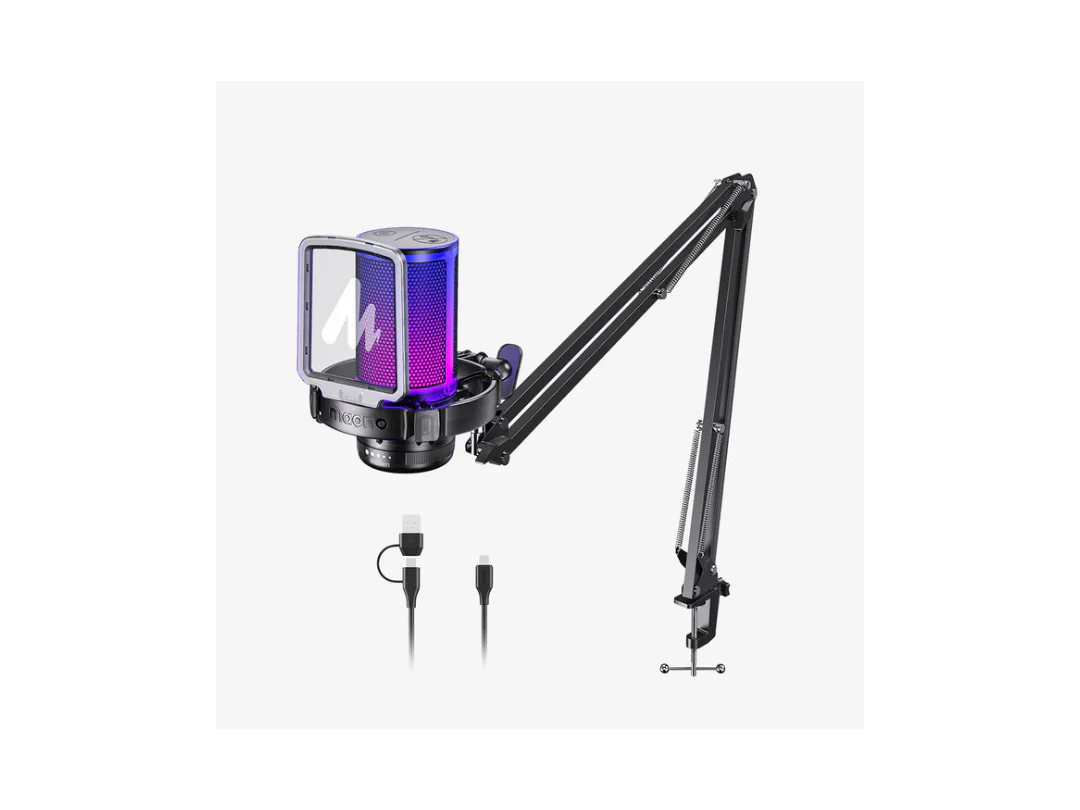
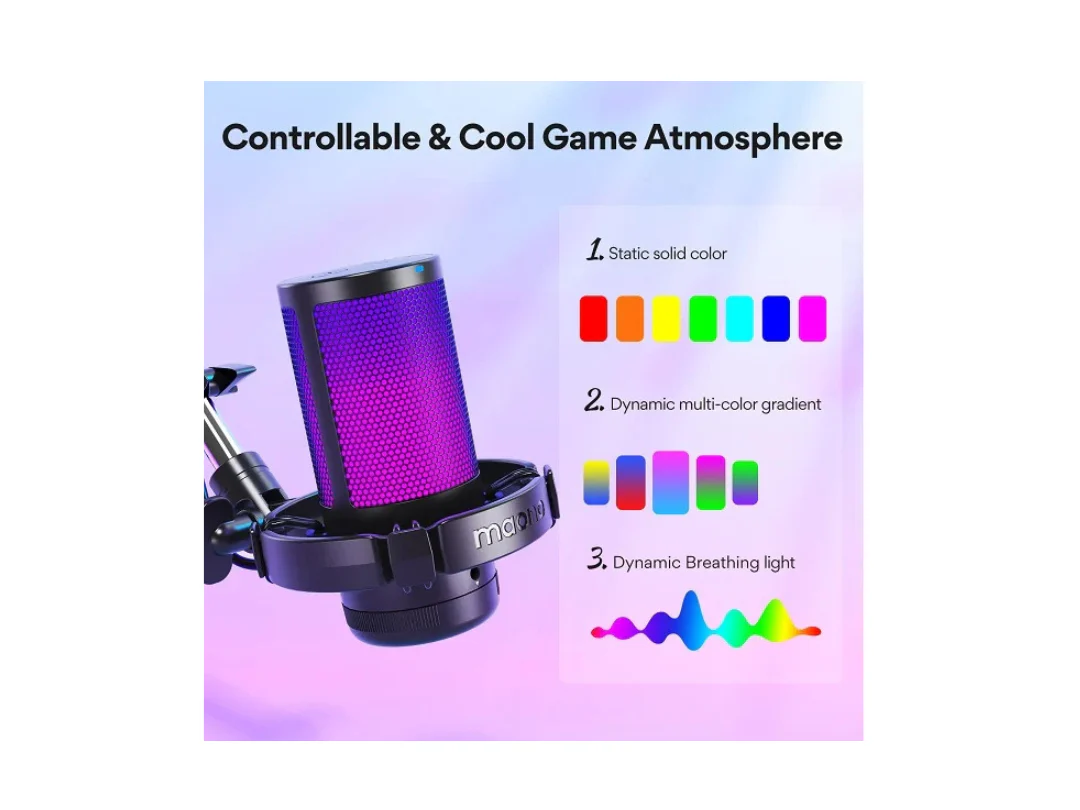
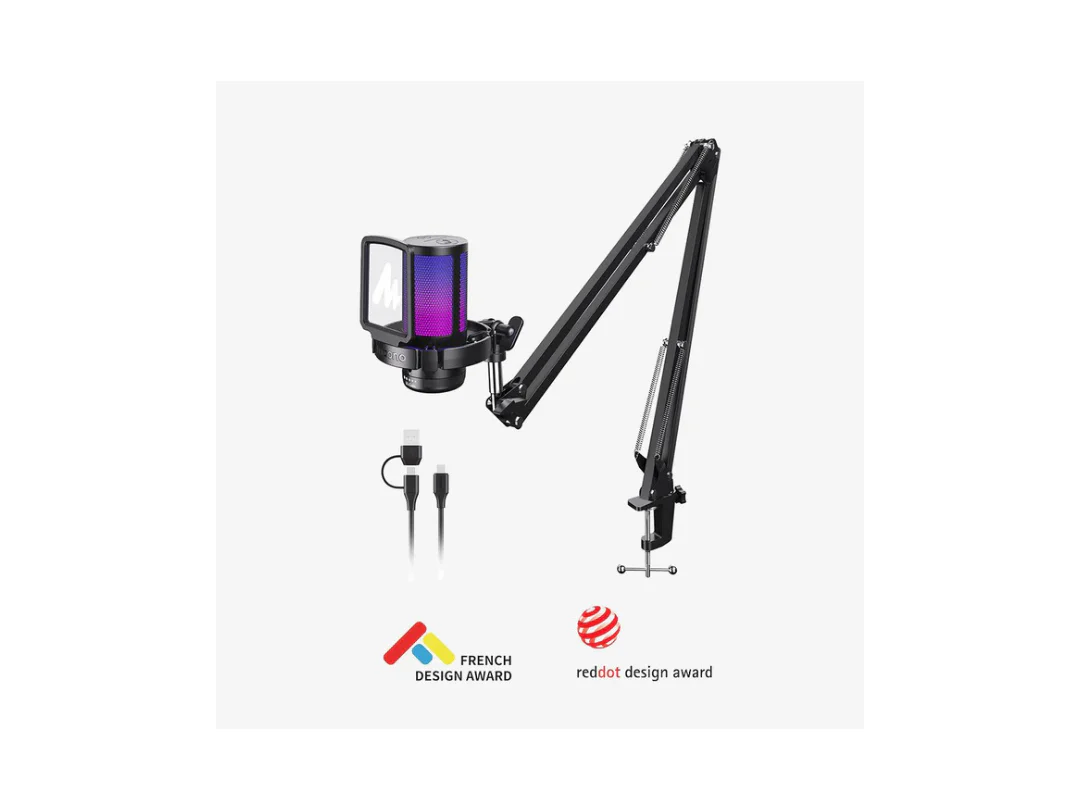
Compact USB condenser microphone made for game voice and streaming. The gaming microphone with noise cancellation delivers an immersive and lifelike sound, with up to 9 modes of cool RGB lights for true immersion. Features like mute, gain control, and zero latency monitoring add a new level of GAME experience.
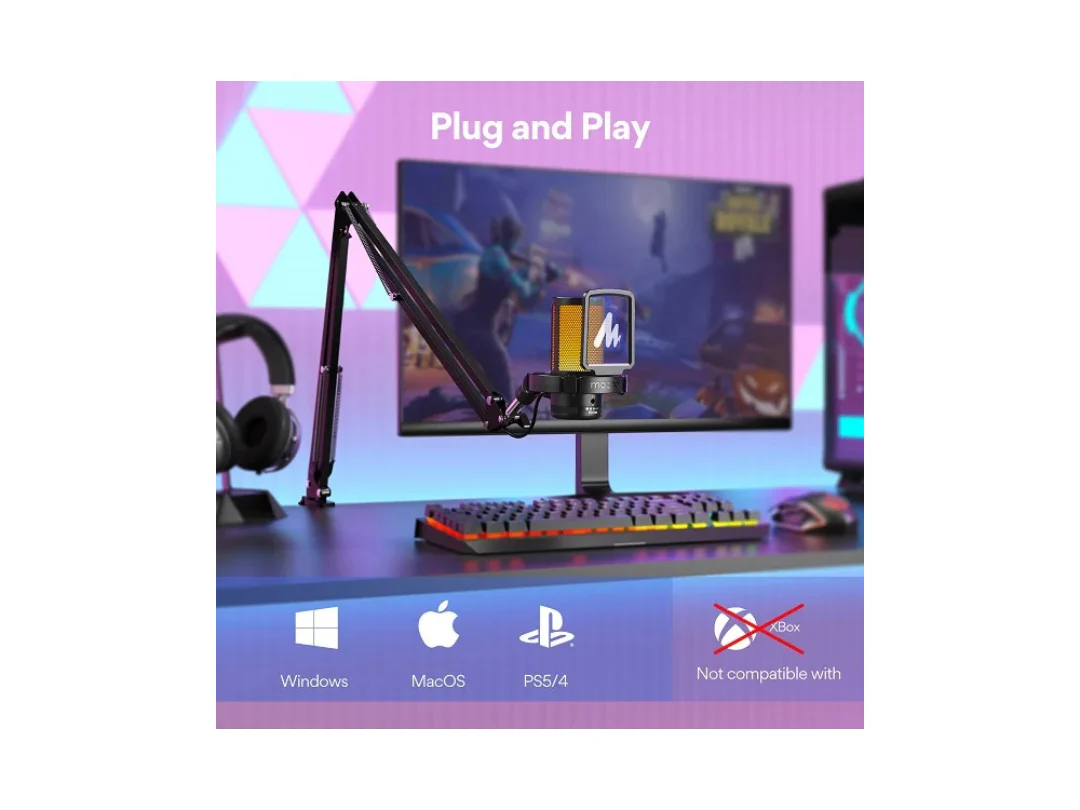
Compatible with Windows PC computer laptop, Mac, and PS4/5. The DGM20 GAMERWAVE USB gaming microphone is ready to capture it when inspiration strikes. Just plug the mic straight into your computer or laptop with the included USB and USB C cable, you're all set to record or stream, right away, No drivers are required.
Cardioid pickup shows excellent off-axis sound suppression capability of reducing the sound pickup from the side and rear, thus eliminating background noise.
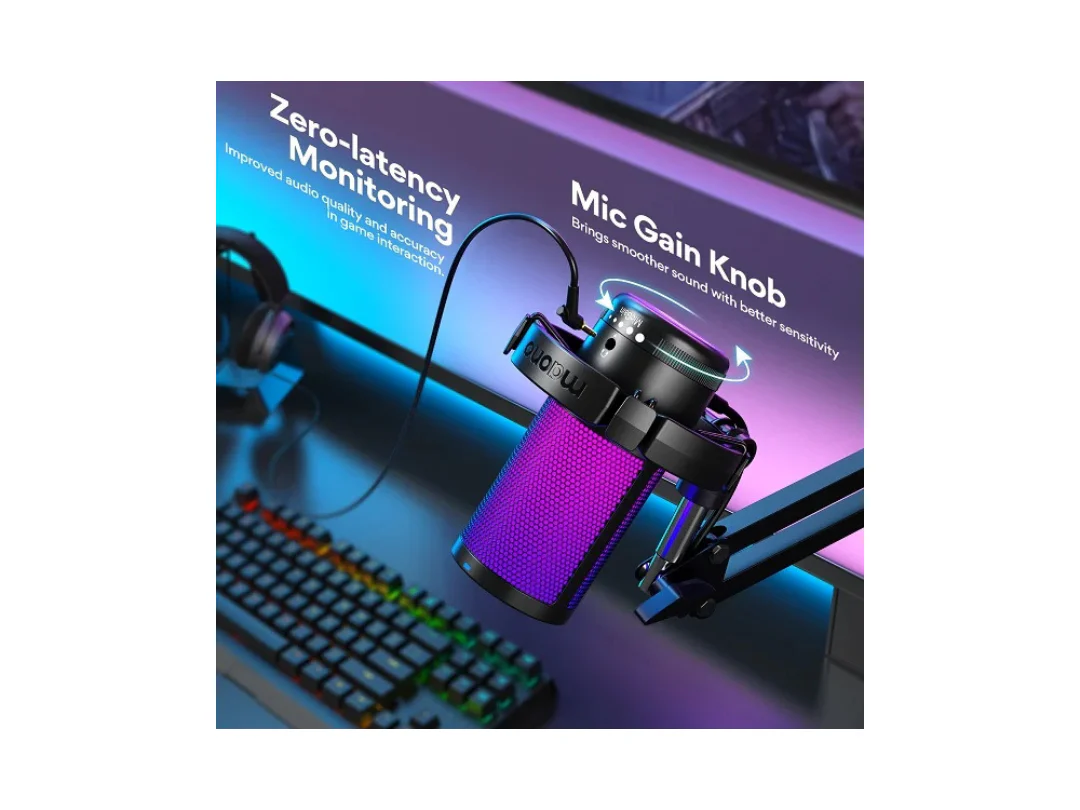
One-click the mute button on top of the PC microphone to turn on mute mode, and easily control your game audio. Take control of your on-stream sound with the mic gain knob, you can check if your voice level is too high or too low and adjust accordingly. The zero-latency monitoring allows you to easily maintain clear sound quality with a game mic.
Description
DGM20S GAMERWAVE USB MICROPHONE
Compact USB condenser microphone made for game voice and streaming. The gaming microphone with noise cancellation delivers an immersive and lifelike sound, with up to 9 modes of cool RGB lights for true immersion. Features like mute, gain control, and zero latency monitoring add a new level of GAME experience.
Compatible with Windows PC computer laptop, Mac, and PS4/5. The DGM20 GAMERWAVE USB gaming microphone is ready to capture it when inspiration strikes. Just plug the mic straight into your computer or laptop with the included USB and USB C cable, you're all set to record or stream, right away, No drivers are required.
Cardioid pickup shows excellent off-axis sound suppression capability of reducing the sound pickup from the side and rear, thus eliminating background noise.
One-click the mute button on top of the PC microphone to turn on mute mode, and easily control your game audio. Take control of your on-stream sound with the mic gain knob, you can check if your voice level is too high or too low and adjust accordingly. The zero-latency monitoring allows you to easily maintain clear sound quality with a game mic.